Can You Use AI-Generated Images Commercially? A Beginner’s Guide for Creators and Small Businesses
A practical beginner guide to using AI-generated images for business, including tool rights, product accuracy, disclosure, human review, and a downloadable safety checklist.
Short answer: yes, you can use AI-generated images commercially in many cases, but you should not treat every AI image as automatically safe to publish, sell, or use in client work.
The safer question is not only “Can I use this image?” It is “Can I explain where this image came from, what tool created it, what rights the tool gives me, and whether the final image could mislead customers or copy someone else’s protected work?”
This guide is for creators, freelancers, small business owners, marketers, and beginner ecommerce sellers who want to use AI images in blog posts, social media, ads, product pages, lead magnets, thumbnails, and digital products without creating unnecessary risk.
Note: this is practical education, not legal advice. If you are using AI images in high-value campaigns, regulated industries, packaging, client deliverables, or paid products, review the terms of your tools and speak with a qualified legal professional.
Why Commercial AI Images Are Getting So Much Attention
AI image tools have moved from novelty to business workflow. Google’s Product Studio, for example, helps merchants create and edit product imagery inside Merchant Center and Shopify-connected workflows, including background changes, resolution improvement, image creation, and video generation. Google says Product Studio is designed to help merchants get more value from images they already have and reduce the time, resources, and budget needed for product visuals.
That shift matters because small businesses and creators often need more images than they can afford to shoot from scratch: blog graphics, social posts, product lifestyle shots, ads, email banners, thumbnails, lead magnet covers, and sales page visuals.
AI can help with that. But commercial use adds extra responsibility.
What “Commercial Use” Means
Commercial use usually means using an image in a way that supports revenue, marketing, sales, or business activity. That can include:
- Images in paid ads
- Product photos or lifestyle images on an ecommerce store
- Blog images on a site that earns affiliate income or sells services
- Social media graphics for a business or personal brand
- Images inside digital products, templates, guides, or courses
- Client deliverables created by a freelancer, designer, or agency
- Thumbnails, banners, and landing page visuals used to generate leads
If the image helps you attract attention, sell something, promote a brand, or deliver paid work, treat it as commercial.
The 5 Things to Check Before Using an AI Image Commercially
1. Check the Tool’s Commercial Use Terms
Do not assume every AI image generator gives the same rights. Some tools allow commercial use on free plans. Some reserve stronger protection for paid or enterprise plans. Some tools may restrict specific use cases, such as political ads, regulated industries, celebrity likenesses, trademarks, or adult content.
Before using an image in a business context, check:
- Does the tool allow commercial use?
- Does commercial use require a paid plan?
- Who owns or can use the output?
- Can the provider reuse your prompts, uploads, or outputs?
- Are there restrictions around people, brands, products, or sensitive topics?
- Does the provider offer any indemnification or legal protection?
Adobe’s Firefly terms are one example of how important this has become. Adobe’s product-specific terms describe certain “Indemnified Firefly Output” and explain when Adobe may defend qualifying third-party infringement claims, while also listing important exclusions such as misuse, modified outputs, user-supplied inputs, and the context in which an output is used.
2. Avoid Real People, Brands, and Recognizable Characters
Commercial AI image risk rises quickly when prompts involve living people, celebrities, influencers, athletes, copyrighted characters, famous art styles, brand logos, or competitor products.
A safer prompt describes the business purpose and visual direction without asking the tool to imitate protected material.
Risky: “Create a Disney-style image of a famous athlete holding my product.”
Safer: “Create a bright, family-friendly illustration of a fictional runner holding a reusable water bottle in a sunny park. No logos, no celebrity likeness, no recognizable character style.”
This does not remove every risk, but it gives you a cleaner starting point.
3. Use Real Product Photos as the Anchor
If you sell physical products, do not ask AI to invent the product from scratch. Start with a real product photo and use AI to improve the surrounding creative: background, scene, lighting, format, or campaign variation.
This is especially important for ecommerce. A beautiful image that changes the product’s size, texture, color, label, packaging, or included accessories can mislead buyers and damage trust.
A practical product image workflow looks like this:
- Take or upload a clean product photo.
- Remove the background or isolate the product.
- Generate scene variations around the real product.
- Check that the product itself did not change.
- Resize the image for the channel: product page, ad, email, or social post.
- Keep the original image, prompt, tool name, and final output in a simple record.
Think of AI as a visual production assistant, not a replacement for truth in advertising.
4. Add Human Creative Input
The U.S. Copyright Office has been clear that copyright questions around AI depend heavily on human authorship. Its AI initiative includes reports on digital replicas, copyrightability, and generative AI training. For creators, the practical takeaway is simple: a raw prompt-to-image output may not give you the same protection as work with meaningful human creative contribution.
That does not mean AI images are useless. It means your workflow should include human judgment and creative control.
Add human input by:
- Choosing the concept and audience purpose
- Creating the layout or composition
- Editing the image manually
- Combining AI output with original photos, brand assets, or design elements you own
- Adding your own typography, structure, or visual system
- Documenting what you changed after generation
For Inspire Growth AI, this is the bigger lesson: prompts are a starting point, but workflows create assets you can defend, reuse, and improve.
5. Keep a Simple AI Image Record
You do not need an enterprise compliance system to be more responsible. A basic spreadsheet or folder is enough for most creators and small teams.
For each important AI image, save:
- Tool name and plan used
- Date created
- Prompt or creative brief
- Source image, if used
- Final edited image
- Where the image was published
- Disclosure note, if required by platform or market
- Human edits made before publishing
This helps if a client, platform, marketplace, or team member later asks, “Where did this image come from?”
When You Should Disclose AI Image Use
Disclosure rules depend on the platform, country, industry, and use case. Some marketplaces and ad platforms have specific AI content rules. Some legal frameworks focus on synthetic people, deepfakes, or content that could mislead the public.
As a practical rule, consider disclosure when:
- The image shows a realistic person who does not exist
- The image could be mistaken for documentary evidence or a real event
- The image changes a product context in a way buyers might rely on
- You are uploading to a marketplace that asks whether AI was used
- You are delivering the image to a client who expects original photography or design
- You are publishing in a region or industry with specific transparency rules
Disclosure does not have to feel scary. It can be simple and trust-building:
Image created with AI assistance and reviewed by our team for accuracy.
For product images, pair disclosure with accuracy: “AI-assisted lifestyle scene. Product photo reflects the actual item.”
A Safe Beginner Workflow for Commercial AI Images
Use this workflow before publishing an AI image in a commercial context.
Step 1: Define the Business Purpose
Ask: what job does this image need to do?
- Explain a blog concept
- Show product context
- Create a social media visual
- Support an ad test
- Improve a lead magnet or landing page
The clearer the purpose, the easier it is to review the image.
Step 2: Choose the Right Tool for the Risk Level
Use more conservative tools and workflows for client work, paid ads, ecommerce, packaging, or core brand assets. Use more experimental tools for early concepts, mood boards, and internal drafts.
Step 3: Write a Brief, Not Just a Prompt
A useful AI image brief includes:
- Audience
- Business goal
- Image format
- Visual style
- What must be accurate
- What to avoid
- Where the image will be used
Example:
Create a clean square blog illustration for beginner creators learning AI image safety. Use a modern workspace scene with a checklist, image thumbnail cards, and a blue/navy color palette. Avoid logos, real people, celebrity likenesses, copyrighted characters, and legal symbols that imply formal legal advice.
Step 4: Review for Accuracy and Risk
Before publishing, check:
- Does it show any fake logo, fake certification, or fake endorsement?
- Does it resemble a real person?
- Does it imitate a famous brand or character?
- Does it change the product being sold?
- Does it make the offer look more proven than it is?
- Would a customer reasonably misunderstand what is real?
Step 5: Edit and Document
Make final human edits. Save the source, prompt, tool, and final file. If the image is important, keep a short note explaining what you changed and why.
Where AI Images Fit Best
AI images are strongest when they help you create more useful visual variations without pretending to replace everything a photographer, designer, or art director does.
Good use cases include:
- Blog illustrations
- Social media graphics
- Concept visuals
- Backgrounds for product photos
- Ad creative variations
- Lead magnet covers
- Newsletter headers
- Presentation visuals
- Simple educational diagrams
Be more careful with:
- Logos and brand marks
- Product packaging
- Medical, legal, finance, or safety claims
- Realistic people
- Political or news-style imagery
- Client campaigns with strict rights requirements
- Marketplace product listings where accuracy affects buyer decisions
Download the Checklist
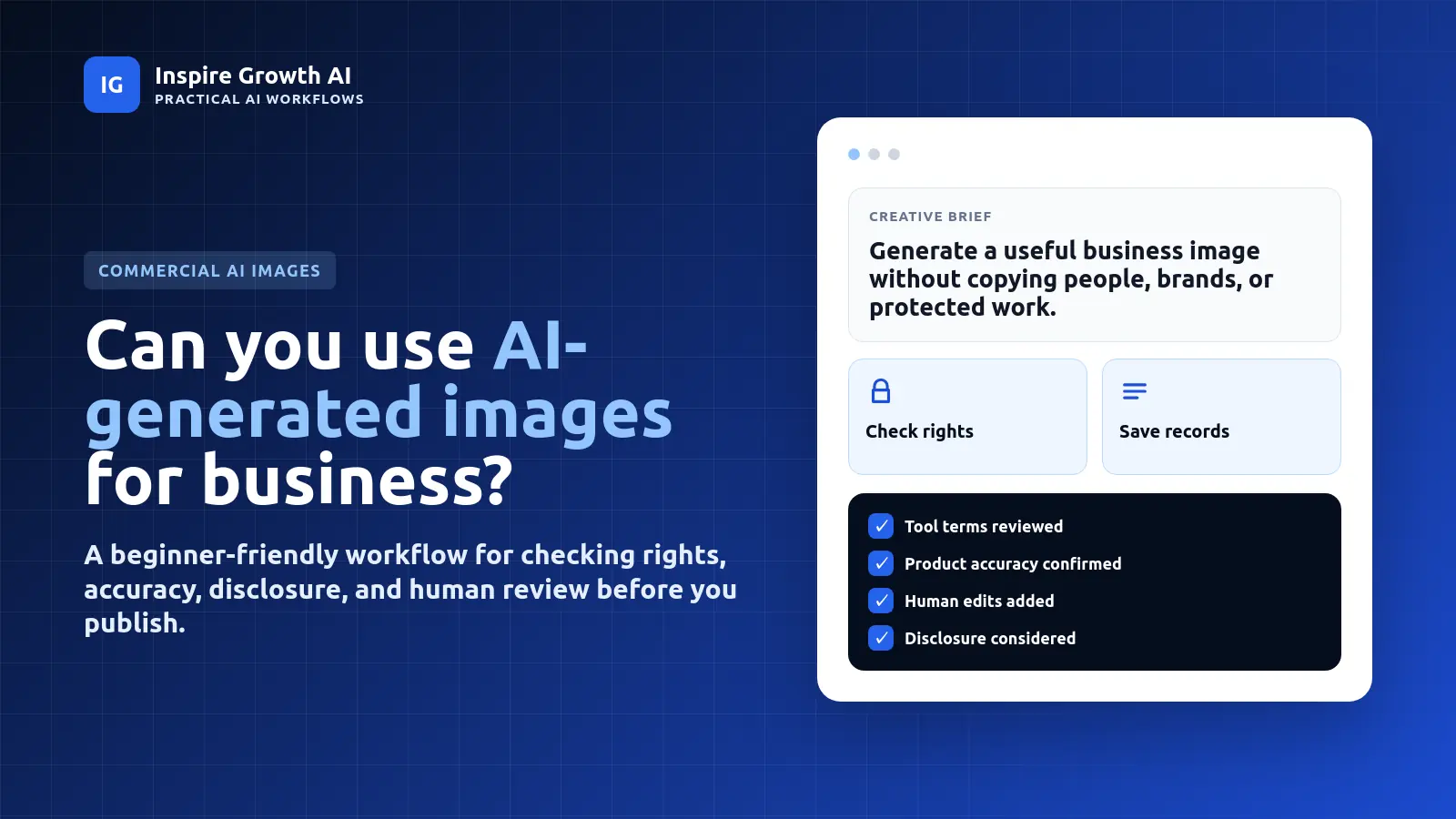
Before you publish your next AI-generated image, use the Commercial AI Image Safety Checklist to review tool rights, product accuracy, human edits, disclosure needs, and publishing records.
Download the Commercial AI Image Safety Checklist
Final Takeaway
You can use AI-generated images commercially, but the best creators and small businesses will not rely on random prompts alone. They will build a simple image workflow: choose the right tool, avoid protected people and brands, use real product inputs when accuracy matters, add human creative judgment, and keep records.
That is how AI images become useful business assets instead of risky visual experiments.
Sources and Further Reading
- Google Merchant Center Help: About Product Studio
- Google: How to use generative AI to create product images in Merchant Center Next
- U.S. Copyright Office: Copyright and Artificial Intelligence
- Adobe Generative AI Product Specific Terms
- CMSWire: Google AI Mode search behavior and multimodal search trends