AI-Assisted Digital Product Ideas for Beginners: 9 Simple Products You Can Build From Skills
A practical beginner guide to AI-assisted digital product ideas, from templates and workbooks to prompt systems, checklists, mini-guides, and workflow kits.
 Daniel Charles Mwangila
Digital products are one of the most practical ways to turn knowledge, skills, and repeatable workflows into something people can buy, download, and use.
AI can help you build them faster, but it should not be the entire product. The value comes from solving a real problem, organizing the solution clearly, and adding your judgment, examples, and review.
This guide breaks down nine beginner-friendly AI-assisted digital product ideas you can build from skills you already have or are actively learning.
What Makes a Good Beginner Digital Product?
A good beginner digital product is not complicated. It helps one specific audience get one useful result.
Before you build anything, define four things:
- Audience: Who is this for?
- Problem: What are they trying to do?
- Outcome: What should they have, understand, or finish after using it?
- Format: What is the simplest way to deliver that outcome?
AI can help with research, outlining, drafting, formatting, examples, and checklists. Your job is to make the product specific, useful, accurate, and easy to apply.
1. Workflow Checklists
Best for: creators, freelancers, coaches, consultants, and small business owners who repeat the same process often.
A workflow checklist helps someone complete a task without missing important steps. This is a strong beginner product because it does not need to be long to be valuable.
AI-assisted solution
Use AI to break a task into stages, identify missing steps, and turn the process into a clear checklist. Then review the checklist based on real-world use.
Product examples
- AI content publishing checklist
- Client onboarding checklist
- Digital product launch checklist
- Weekly planning with AI checklist
Realistic next step
Choose one process you already understand. Write the before, during, and after steps. Use AI to organize them, then test the checklist yourself.
2. Prompt-to-Workflow Templates
Best for: people who understand that prompts are more useful when connected to a repeatable process.
Many beginners collect prompts but do not know how to use them consistently. A prompt-to-workflow template solves that by showing the input, prompt, review step, and final output.
AI-assisted solution
Use AI to help create prompt variations, organize them by task, and create instructions for when to use each one. Add examples so buyers can see how the workflow works.
Product examples
- Content idea to blog outline workflow
- YouTube script planning workflow
- Newsletter drafting workflow
- Offer idea validation workflow
Realistic next step
Build one workflow around one outcome. Do not sell a random prompt list. Show the full path from input to finished asset.
3. Notion or Spreadsheet Planners
Best for: organized creators who like planning, tracking, and turning messy ideas into systems.
Planners are useful when they help someone make decisions, track progress, or repeat a process. AI can help you design the structure, but the product needs clear labels, examples, and instructions.
AI-assisted solution
Use AI to brainstorm planner sections, define fields, create example entries, and write simple instructions. Then simplify the planner so it is easy to use.
Product examples
- AI content calendar planner
- Digital product idea tracker
- Client workflow dashboard
- Weekly creator operating system
Realistic next step
Create a simple version first. If the planner has too many views, fields, or decisions, beginners will not use it.
4. Mini-Guides
Best for: people who can explain one topic clearly and practically.
A mini-guide teaches one focused lesson. It should help the reader understand a problem, avoid common mistakes, and take a practical next step.
AI-assisted solution
Use AI to outline the guide, identify beginner questions, draft examples, and simplify explanations. Then add your point of view, screenshots, decision rules, and real examples.
Product examples
- Beginner guide to AI content workflows
- How to package your knowledge into a paid guide
- How to choose one AI tool for one task
- How to turn one idea into five content assets
Realistic next step
Pick one question your audience keeps asking. Build a short guide that answers it better than a generic search result.
5. Workbook or Worksheet Packs
Best for: coaches, consultants, educators, and creators who help people think through decisions.
Workbooks are useful because they make the buyer participate. Instead of only reading, they fill in answers, make choices, and produce a result.
AI-assisted solution
Use AI to turn a process into reflection questions, exercises, examples, and action steps. Then edit the questions so they are specific and useful.
Product examples
- AI monetization pathways worksheet
- Digital product validation workbook
- Creator offer packaging worksheet
- Content system audit worksheet
Realistic next step
Start with five to seven worksheet pages. Each page should move the user closer to one outcome, such as choosing a product idea or defining an offer.
6. Swipe Files With Commentary
Best for: creators who study examples and can explain why something works.
A swipe file is more valuable when it includes context. Do not just collect examples. Explain the pattern, when to use it, and how someone can adapt it ethically.
AI-assisted solution
Use AI to categorize examples, identify patterns, and draft explanation notes. Then review the examples and remove anything that encourages copying or low-quality imitation.
Product examples
- Content hook swipe file with use cases
- Email subject line swipe file for creators
- Offer page section swipe file
- AI prompt pattern swipe file
Realistic next step
Build a small, high-quality swipe file with 25 examples and clear notes. Quality matters more than volume.
7. Content Repurposing Kits
Best for: people who understand content formats and can turn one idea into multiple useful assets.
A repurposing kit helps someone reuse a blog post, video, podcast, or newsletter across different platforms without starting from scratch.
AI-assisted solution
Use AI to extract key points, create hooks, draft captions, suggest carousel structures, and adapt the message for different channels. Then review for voice, accuracy, and repetition.
Product examples
- One blog post to 10 social posts kit
- YouTube video to newsletter kit
- Podcast episode to LinkedIn carousel kit
- Newsletter to short-form video script kit
Realistic next step
Create a sample using one piece of your own content. Show the before-and-after so buyers understand the result.
8. AI Research Brief Templates
Best for: people who are good at organizing information into decisions.
Research briefs help creators and business owners avoid scattered notes. A good brief turns research into a clear recommendation, content angle, or action plan.
AI-assisted solution
Use AI to structure the research questions, summarize information, organize insights, and draft a brief. Then verify important points and remove weak claims.
Product examples
- SEO topic research brief template
- Audience pain point research template
- Competitor content gap template
- Product idea validation brief template
Realistic next step
Create one brief template that includes research question, audience problem, key findings, recommended angle, and next action.
9. Starter Kits
Best for: creators who can combine several small assets into one practical bundle.
A starter kit gives someone everything they need to begin one workflow. It can include a checklist, template, guide, examples, and prompts.
AI-assisted solution
Use AI to outline the kit, draft supporting assets, write setup instructions, and create examples. Then test the kit from the user's perspective.
Product examples
- AI-assisted digital product starter kit
- Prompt-to-workflow starter kit
- Weekly AI content calendar kit
- Creator offer packaging starter kit
Realistic next step
Bundle three useful assets around one outcome. For example: a short guide, a worksheet, and a checklist.
A Simple AI Product-Building Workflow
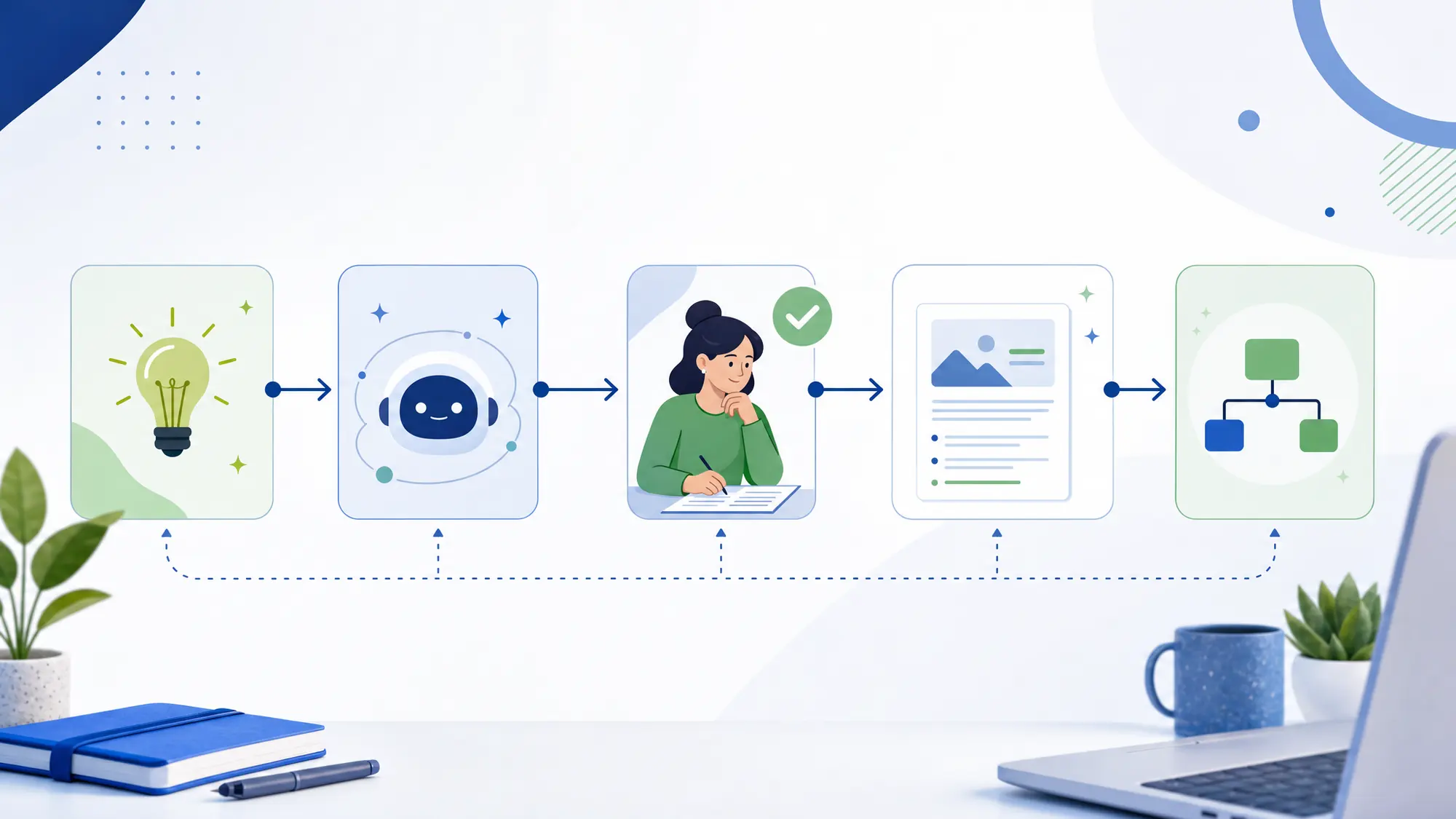
Use this workflow before creating your first product:
- Choose one audience: Be specific enough that the product feels made for them.
- Pick one painful task: Look for something they repeat, avoid, delay, or overcomplicate.
- Define the outcome: What should the buyer finish, decide, or create?
- Select the simplest format: Checklist, worksheet, guide, planner, template, or kit.
- Use AI for structure: Ask AI to outline the steps, questions, examples, and sections.
- Add human review: Edit for accuracy, clarity, usefulness, and brand voice.
- Create a sample result: Show what the buyer can produce with the product.
- Test before selling: Use the product yourself or share it with a small group for feedback.
What Not to Sell
- Raw AI output: Buyers can generate rough drafts themselves. Package useful finished assets.
- Generic prompt dumps: Prompts need context, instructions, examples, and a review step.
- Overloaded templates: More pages do not always mean more value.
- Unverified research: Check important claims before turning them into a paid product.
- Fake expertise: Build around skills you understand or are willing to learn properly.
How to Choose Your First Product Idea
If you are not sure where to start, choose the product idea that meets these three conditions:
- You understand the audience's problem.
- You can create a useful first version in one week.
- You can show a clear before-and-after result.
For most beginners, the best starting point is a checklist, worksheet, mini-guide, or template. These formats are focused, useful, and easier to test than a large course or complex product suite.
FAQ
Can AI help me create a digital product?
Yes. AI can help with research, outlines, examples, drafts, formatting, and product structure. You still need to choose a real audience problem, review the output, and make the product useful.
What is the easiest digital product to create with AI?
For beginners, the easiest options are usually checklists, worksheets, templates, mini-guides, and starter kits because they solve a focused problem without requiring a large build.
Can I sell AI-generated products?
You can sell products that use AI in the creation process, but you should review, edit, verify, and improve the material. Avoid selling unedited AI output or copied material.
How do I know if my product idea is good?
A strong idea solves a specific problem for a specific audience and produces a clear outcome. Test it with a simple sample, free version, or small beta before building a larger product.
Next Step
Choose one small product idea and build a one-page version first. Define the audience, problem, outcome, format, and review process before creating the full asset.
CTA: Download the AI-Assisted Digital Product Starter Kit to map your first product idea, outline the workflow, and build a simple version you can test.